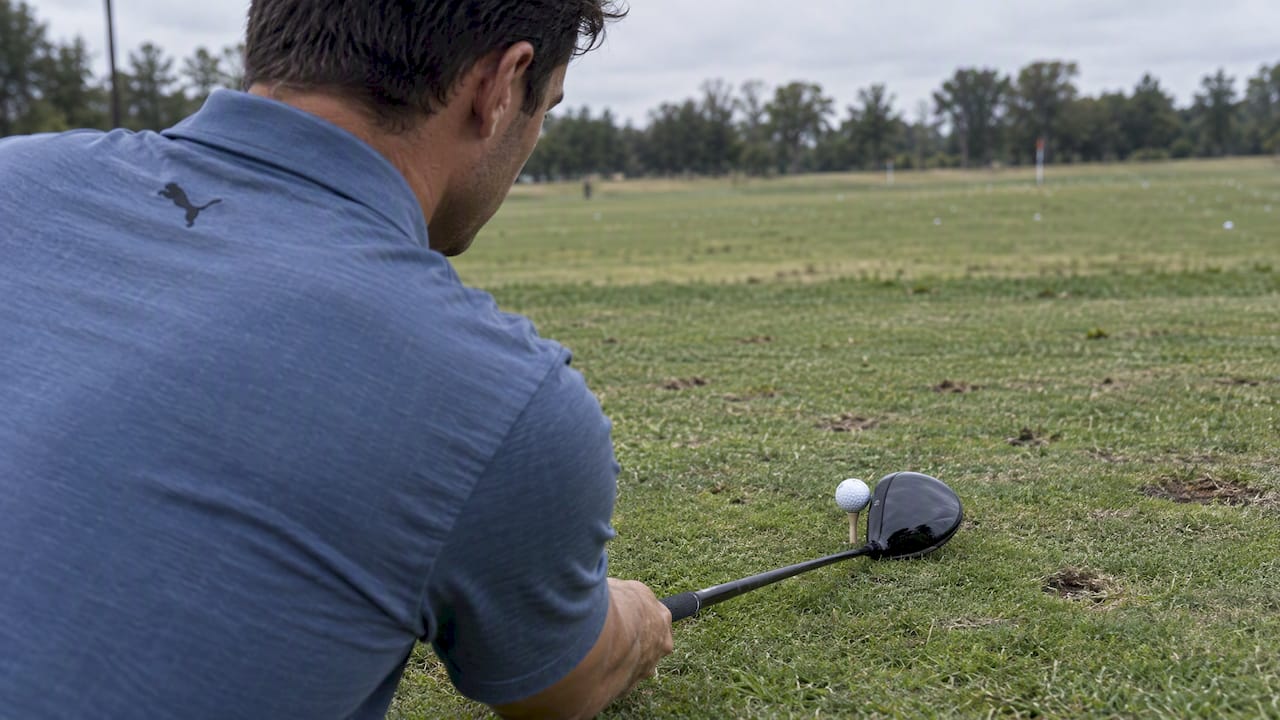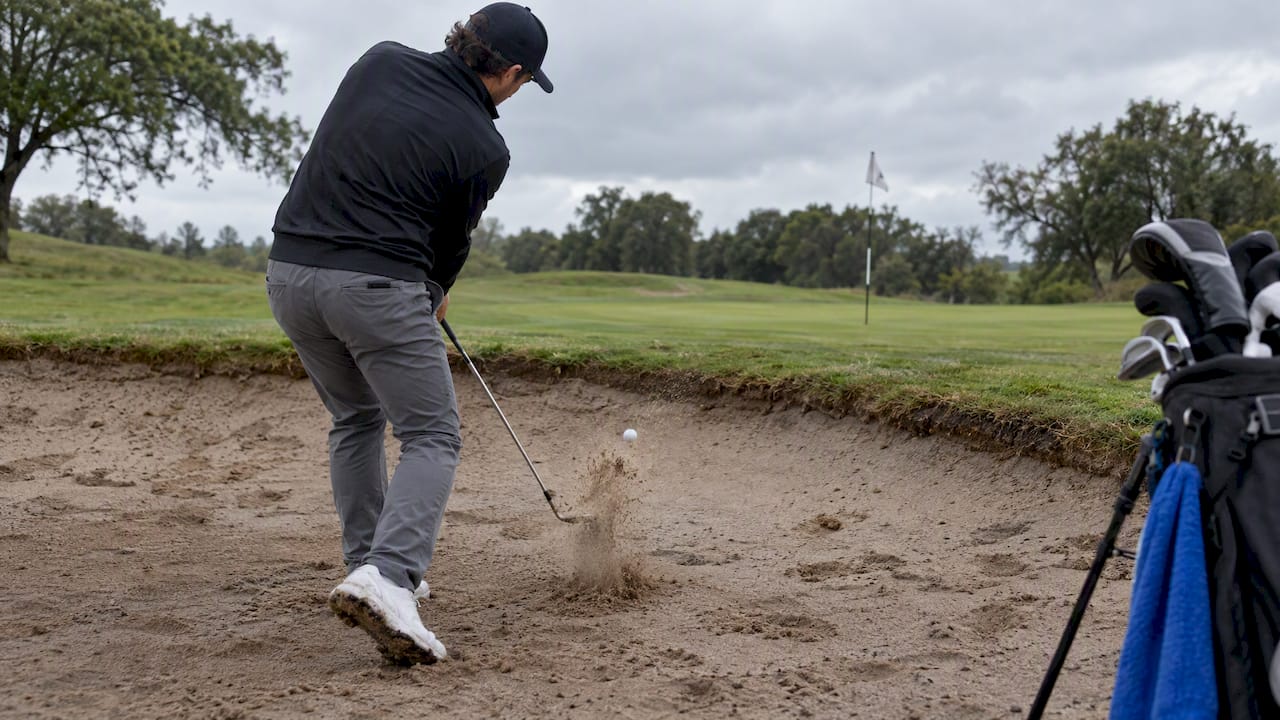
A draw curves gently from right to left for a right-handed golfer and tends to roll out for extra distance, while a fade bends left to right and lands softer with more control over where it stops. Neither shape beats the other outright: the better choice depends on the hole in front of you, the wind in your face, and which pattern you can repeat under pressure. This guide walks through the mechanics, the launch-monitor numbers worth tracking, and the drills that turn either shape into something you trust on command.
TL;DR:
- Draws fit right to left doglegs and headwinds, while fades suit left to right doglegs, firm greens, and left to right crosswinds.
- Testing among 34 professionals found fades spun more than draws; when other variables match, curve direction alone does not change distance.
- Aim your body left for a fade, keep the face at target, and limit rotation; losing 15 to 20 yards may signal a slice.
- Build either shot shape with half swings and alignment stick gates, then check face to path and spin before progressing from irons to driver.
Table of Contents
- Quick Comparison: Draw vs Fade at a Glance
- What a Fade Actually Does to Your Ball Flight
- How to Hit a Fade: Setup, Path, and Release
- What a Draw Actually Does to Your Ball Flight
- How to Hit a Draw: Setup, Path, and Release
- Choosing Draw or Fade for the Shot in Front of You
- The Mechanics Behind Draws and Fades: What the Numbers Mean
- Drills That Build a Repeatable Draw or Fade
- Where to Learn More and Who’s Behind This Guide
- Committing to a Shape Is the Real Advantage
- Keep Your Clubs as Dialed In as Your Swing
- FAQ
- Sources
Quick Comparison: Draw vs Fade at a Glance
The fastest way to understand the two shapes is to see them side by side, because the differences show up in flight direction, feel, and the launch-monitor numbers behind them.
- Flight and cause: A draw starts right of target and curves left because the clubface closes relative to an in-to-out swing path; a fade starts left of target and curves right because the face stays open relative to an out-to-in path.
- Primary benefit: A draw typically rewards you with more roll and total distance, while a fade rewards you with a softer landing and tighter dispersion around the target.
- Launch signature: Draws tend to carry lower spin and a flatter descent angle; fades tend to carry higher spin and a steeper, softer descent.
- When to reach for each: Pick a draw when you need to carry and roll on an open hole or a right-to-left dogleg, and pick a fade when you need the ball to stop quickly on a firm green or hold up against a left-to-right wind.
Most golfers eventually settle into one shape as their stock shot and keep the other in reserve for specific situations, which is a smarter long-term plan than trying to hit both equally well under pressure.
What a Fade Actually Does to Your Ball Flight
For a right-handed golfer, a fade starts left of the target line and curves gently back to the right before landing; for a left-handed golfer, the mirror image applies, with the ball starting right and drifting left. The curve comes from a clubface that stays slightly open relative to a swing path moving from outside the target line to inside it at impact.
Fade shots in controlled testing have shown higher spin rates than draw shots, which is one of the largest measurable differences between the two shapes according to performance testing across shot types. That extra spin, combined with a steeper descent angle, is exactly why a fade tends to land softer and stop faster once it hits the green.
This makes the fade a natural fit for approach shots into firm greens, for players who want predictable misses on tee shots, and for anyone playing into a left-to-right crosswind that would otherwise push a draw too far off line. Many coaches favor the fade for pressure situations because the “hold-off” release at the heart of the shot is simpler to repeat than the more active hand action a draw requires.
How to Hit a Fade: Setup, Path, and Release
Building a repeatable fade starts well before the club moves, with alignment and ball position doing most of the early work.
- Set your stance open to the target, aiming your feet, hips, and shoulders slightly left of where you want the ball to start, with the clubface aimed at your actual target.
- Play the ball slightly forward in your stance so you catch it on a path that is moving from outside to inside the target line.
- Swing along your body line, letting the path travel out-to-in while the face stays open relative to that path, not relative to the target.
- Hold the clubface off through impact rather than rotating your forearms aggressively, which keeps the face from closing and turning the fade into a pull.
- Choose a touch more loft on approach shots when you want the ball to land even softer, since added loft paired with the fade’s natural spin steepens the descent further.
Pro Tip: Feel like your chest stays slightly ahead of your hands through impact: that sensation alone prevents the over-rotation that turns a controlled fade into a weak slice.
The most common mistake is confusing a slice with a fade. A slice comes from a face that is wide open relative to the path, producing a big, uncontrolled curve and major distance loss, while a true fade keeps the face only slightly open for a gentle, intentional shape. If your ball flight is losing more than 15 to 20 yards of carry compared with your stock shot, you’re likely sliding into slice territory rather than playing a fade, and our guide to fixing a golf slice walks through the specific corrections.
What a Draw Actually Does to Your Ball Flight
A draw starts right of the target for a right-handed golfer and curves back left, the product of a clubface that closes slightly relative to a swing path moving from inside the target line to outside it. The shape is often described as the more rewarding of the two because of what it does to total distance.
Draw-type shots have shown lower spin rates and more efficient energy transfer than fade-type shots in the same testing that measured fades, with spin rate producing the largest effect size of any variable compared between the two shot types (jkinesiol performance study). Lower spin combined with a flatter descent angle is what lets a draw carry efficiently and then release additional yards on the roll, a pattern echoed in MyGolfSpy’s lab testing on draws versus fades, which also found draws producing reduced spin and better smash factor than fades.
That combination makes the draw the preferred shape for golfers chasing extra yards off the tee, for left-to-right doglegs that reward the extra curve, and for windy days when a lower, boring flight resists a headwind better than a fade’s higher trajectory. Our guide to hitting a golf draw goes deeper into the distance gains available once the shape becomes repeatable.
How to Hit a Draw: Setup, Path, and Release
The draw asks for the opposite setup from the fade and a more active release through the ball.
- Aim your feet, hips, and shoulders slightly right of the target while keeping the clubface aimed closer to your actual landing spot.
- Position the ball slightly back of where you’d play a fade, which helps you catch it while the path is still traveling from inside to outside the line.
- Swing along your body line again, but this time let the path move in-to-out while the face closes slightly relative to that path.
- Release your hands and forearms through impact instead of holding off, allowing the toe of the club to rotate past the heel naturally.
- Favor a flatter angle of attack, especially off the tee, since a shallower approach supports the lower spin and flatter flight that make the draw efficient.
Pro Tip: Picture “throwing” the clubhead toward a spot right of the target with your release: that image encourages the in-to-out path without forcing an exaggerated body turn.
The most common error is over-releasing, which closes the face too far relative to the path and turns a draw into a hook. If your ball starts on line but dives hard left with little carry, dial back the release rather than adjusting your stance, and give the change a few range sessions before trusting it on the course.
Choosing Draw or Fade for the Shot in Front of You
Shot shape stops being an academic question once you’re standing on a tee with a dogleg or a flag tucked behind a bunker.
- Right-to-left doglegs reward a draw that follows the shape of the fairway and gains extra roll around the corner.
- Left-to-right doglegs reward a fade that tracks the fairway’s bend and avoids running through into trouble.
- Firm, fast greens favor approaching with a fade, since the added spin and steeper descent help the ball stop closer to its landing point.
- Headwinds generally favor a draw’s lower, flatter flight, while left-to-right crosswinds often call for a fade that works with the wind instead of fighting it.
- When in doubt, pick the shape that produces your safer miss: if your draw tends to turn into a hook under pressure, play the fade that merely fades a little too far, since a mild miss is always better than a big one.
Pro Tip: Before you commit to a shape on the course, ask whether missing in that direction leaves you with a playable next shot: course management starts with picking the miss you can live with, not the shot that looks best on the range.
The Mechanics Behind Draws and Fades: What the Numbers Mean
Every draw and fade comes down to the same two variables: swing path and clubface angle relative to that path, known together as face-to-path. A face that’s closed relative to the path produces draw-spin side rotation; a face that’s open relative to the path produces fade-spin. The size of that gap determines how much the ball curves, and our clubface angle guide breaks down how a few degrees of difference changes the outcome.
Spin rate is the single most influential variable separating the two shapes. In testing across shot types, spin rate produced the largest measurable effect of any variable studied, with fades showing notably higher spin than draws in a group of 34 professional golfers measured on TrackMan. Higher spin steepens descent angle and shortens rollout, which is why fades check up quickly while draws run.
Smash factor, the ratio of ball speed to clubhead speed, reflects how efficiently energy transfers at impact. MyGolfSpy’s lab testing found draws generally producing better smash factor than fades, though the same testing notes that when every other variable is held identical, curve direction alone does not change total distance. The real-world gap comes from the swing changes that typically accompany each shape, not the curve itself.
Angle of attack rounds out the picture. Robot testing comparing draws and fades off the tee found that pairing an in-to-out path with a slightly positive angle of attack produced higher launch and lower spin, the draw signature, while an out-to-in path with a negative angle of attack produced lower launch and higher spin, the fade signature.
| Variable | Draw signature | Fade signature |
|---|---|---|
| Spin rate | Lower | Higher |
| Smash factor | Higher | Lower |
| Descent angle | Flatter | Steeper |
| Path direction | In-to-out | Out-to-in |
The jkinesiol study found spin rate differences between shot types produced an effect size of η² = 0.33, the largest of any variable measured, making spin the number worth watching first on any launch-monitor session.
Drills That Build a Repeatable Draw or Fade
Mechanics only matter once they show up on command, which is why a short, deliberate practice plan beats trying to “feel it out” on the course.
- Warm up with half-swing path drills using a mid-iron, focusing only on the direction the club travels through impact before adding any face control.
- Set an alignment-stick gate just outside the ball for fade practice, forcing an out-to-in path, and just inside the ball for draw practice, forcing an in-to-out path.
- Hit low, punch fades off a tee set barely above the turf, which exaggerates the hold-off feel and makes an open face easier to sense.
- Practice the “towel under the lead arm” drill for draws, keeping the towel pinned through impact to encourage the connected release that closes the face naturally.
- Mark impact with face tape every few swings to confirm you’re striking where you think you are, since mis-hits can mimic or mask the curve you’re trying to build.
- Validate with video or a launch monitor whenever possible, watching spin rate and face-to-path as your primary checkpoints rather than judging shape by eye alone.
- Progress from mid-irons to the driver only after the path and face relationship repeats consistently in that feedback, since driver swings amplify small errors.
Pro Tip: Spend the first ten minutes of every range session on half-speed path drills before hitting a single full shot: rushing straight to full swings is the most common reason a new shot shape falls apart under pressure.
A simple weekly progression works well for most golfers: two sessions on gate drills and half swings, one session blending in face-tape checks, and one session hitting the shape under slight pressure, such as a closest-to-target game. Once the shape holds up in that low-stakes pressure, it’s ready for the course. Our broader shot-shaping guide walks through how to sequence these drills across a full practice week.

Where to Learn More and Who’s Behind This Guide
Shot shape is one of those topics where the mechanics are simple to describe but genuinely hard to feel, which is why we lean on launch-monitor data and tested drills rather than vague swing tips. This guide was written by Michael Marini, drawing on launch-monitor research and instructional testing to turn draw-and-fade theory into something you can actually practice.
- Our deeper dive on mastering the fade expands on the hold-off release and approach-shot strategy covered above.
- We’ve also published a dedicated trajectory and launch guide for golfers who want to go further into descent angle and carry.
- Our instructional content keeps the guidance grounded in how the shot actually is taught and played.
- Readers working through launch angle specifically can cross-reference our launch angle explainer alongside the drills above.
Committing to a Shape Is the Real Advantage
The golfers who score best rarely have the most talent for curving the ball both ways; they’ve simply committed to one shape and built their entire strategy around it. A draw you trust and a fade you’re guessing at will always lose to a mediocre draw you can call on every time, because the big miss, the one that costs a hole, almost always comes from indecision at address rather than bad mechanics.
Play to your shape instead of fighting it: aim your tee shots to use the curve rather than cancel it out, and let your practice sessions build the kind of repetition that turns a shape into a habit rather than a hope. Track the drills above, watch the numbers change, and give the process a few weeks before judging it.
— Michael Marini
Keep Your Clubs as Dialed In as Your Swing
Once a draw or fade starts repeating on the range, the next step is making sure your bag stays just as organized as your swing feels. Our Custom Golf Club Labels let you mark lofts, shafts, or practice notes directly on each club, so a mid-session drill switch between your stock fade iron and your draw-practice driver never costs you a lost swing thought. At $29.99, they’re a small addition that keeps a full bag of practice clubs easy to sort through.
- Label clubs by shot shape or drill purpose so range sessions stay organized.
- Pair labeling with our instructional content for a more complete practice routine.
- Browse the full Golf Blab shop for labels, apparel, and gift cards that support the next stage of your game.
If you’re ready to put real structure behind your draw-or-fade work, start with the labels and keep building from there.
FAQ
Does Scottie Scheffler play a draw or fade?
Shot-shape preference among top professionals varies by player and even by situation, and this article does not have a sourced breakdown of any individual pro’s stock shape. Readers looking for a specific player’s tendencies are better served checking recent tournament coverage or swing analysis focused on that golfer.
Do more pros hit draws or fades?
There’s no single sourced count of how many touring professionals favor one shape over the other, since preference depends on swing style, ball-striking strengths, and course conditions. What testing does show is that draws tend to carry lower spin and more efficient energy transfer, which is part of why the shape is often associated with distance-focused players.
Does Rory McIlroy play a draw or fade?
This article doesn’t have a sourced answer on any specific professional’s stock shot shape. For player-specific swing breakdowns, dedicated golf instruction coverage of that player is a better source than a general draw-versus-fade comparison.
Does Bryson DeChambeau draw or fade?
As with other individual player questions, this guide focuses on the mechanics and practice methods behind each shot shape rather than tracking any single professional’s current tendency. A player’s preferred shape can also shift from season to season as swing changes are made.
Is a draw or fade better for distance?
A draw generally produces more total distance because it tends to carry lower spin and a flatter descent angle, which extends rollout, according to performance testing across shot types. A fade sacrifices some roll for a softer landing and tighter control around the target.
Sources
- Differences in Golf Performance According to Shot Type During Golfers’ Swing
- MyGolfSpy Labs: Draws vs. Fades | MyGolfSpy